All the order details
See customer info, photos, customization details, notes, and special requests in one place.
For Shopify stores
Orderflow gives you a simple workflow to manage custom Shopify orders after checkout — from customer info and proofs to production, Ship by dates, and updates. So nothing falls through the cracks.
Orders
Active Orders
Jordan Blake
Custom print — 11×14
Ship by
Today
Sam Ortiz
Personalized mug
Ship by
Sep 26
Riley Chen
Photo blanket
Ship by
Sep 29
Casey Nguyen
Custom stamp
Ship by
Today
Everything you need after checkout, in one place.
Built for your real workflow
Shopify records the purchase. Orderflow is for the work that happens afterward—customization, customer files, artwork approval, production stages, Ship by dates, and updates.
See customer info, photos, customization details, notes, and special requests in one place.
Create, send, and track proofs with versions, approvals, and revision requests.
Use Ship by dates, production statuses, and clear next steps on the working queue.
Send customer-facing updates with saved message templates and status communication.
Use statuses, optional rules, analytics, and a workflow built for custom products.
#1041
Personalized mug
In productionThe work after checkout
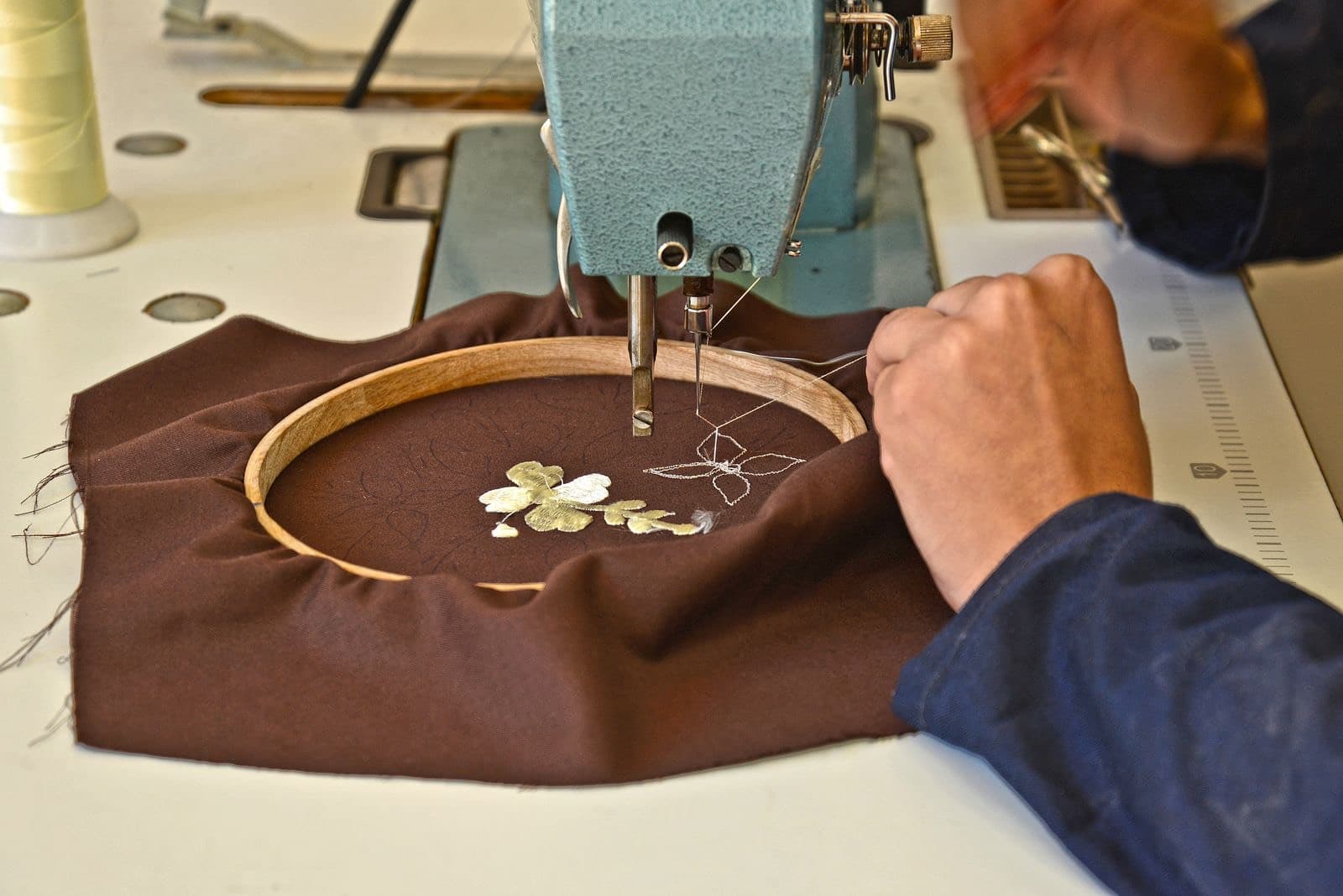
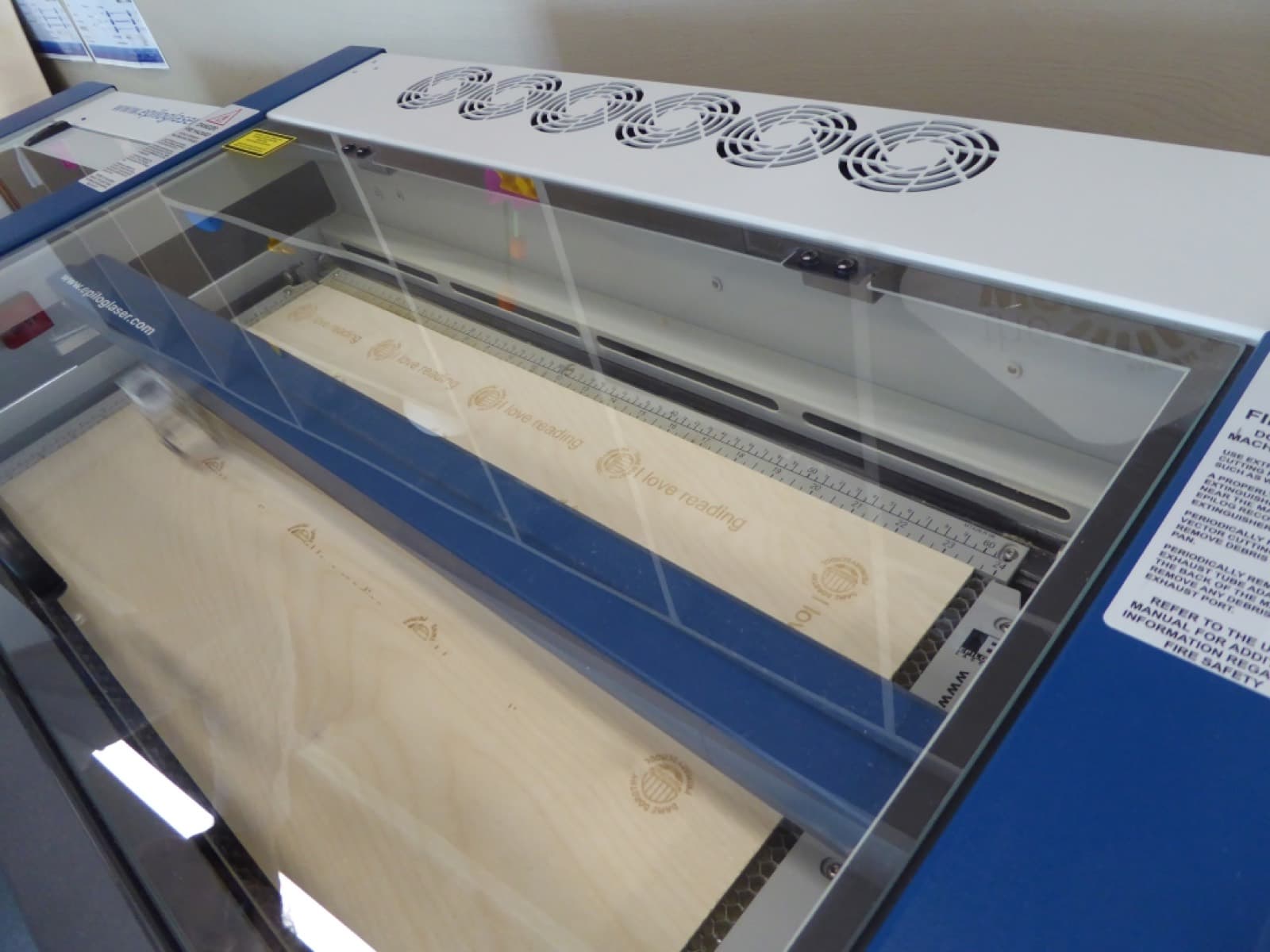
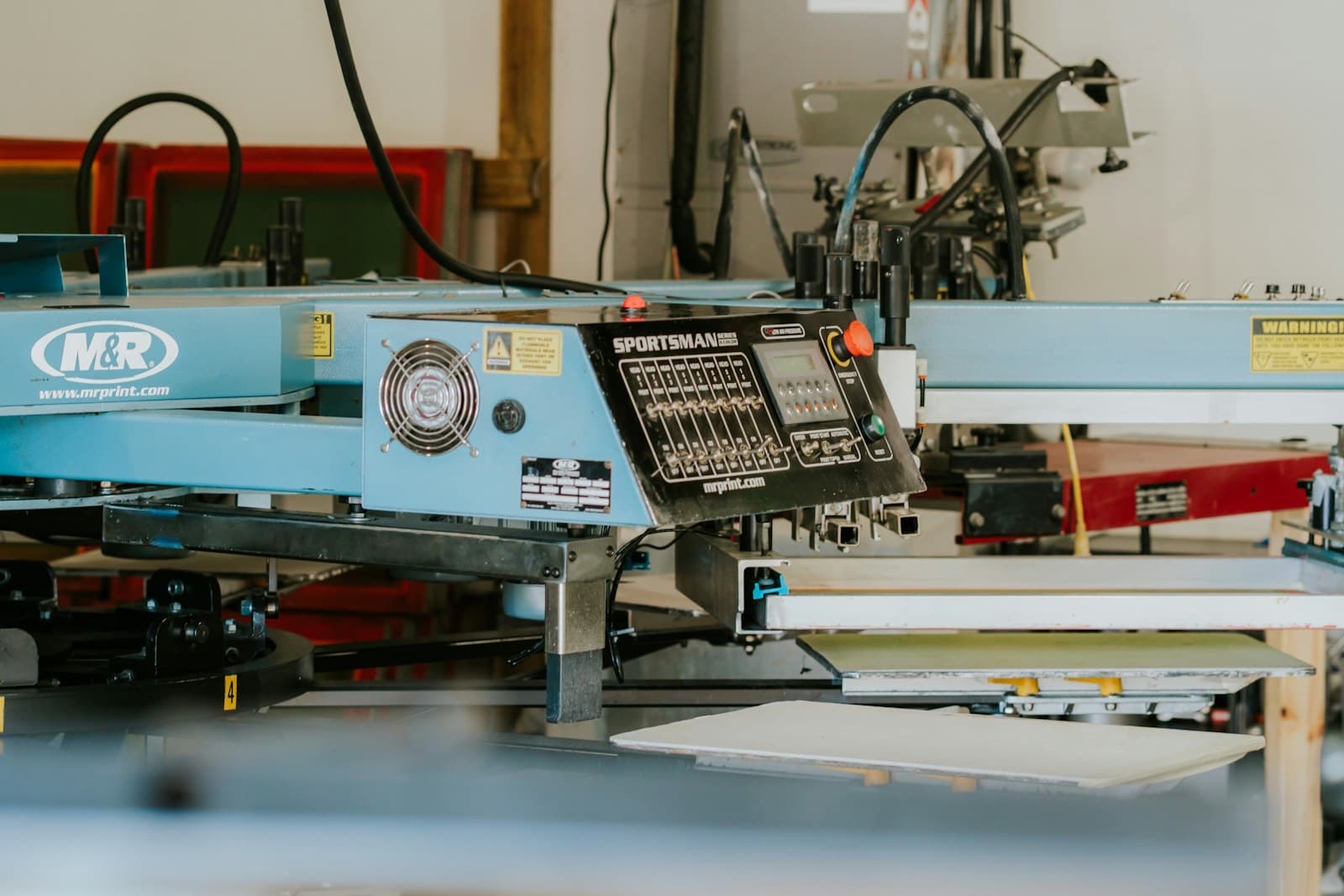
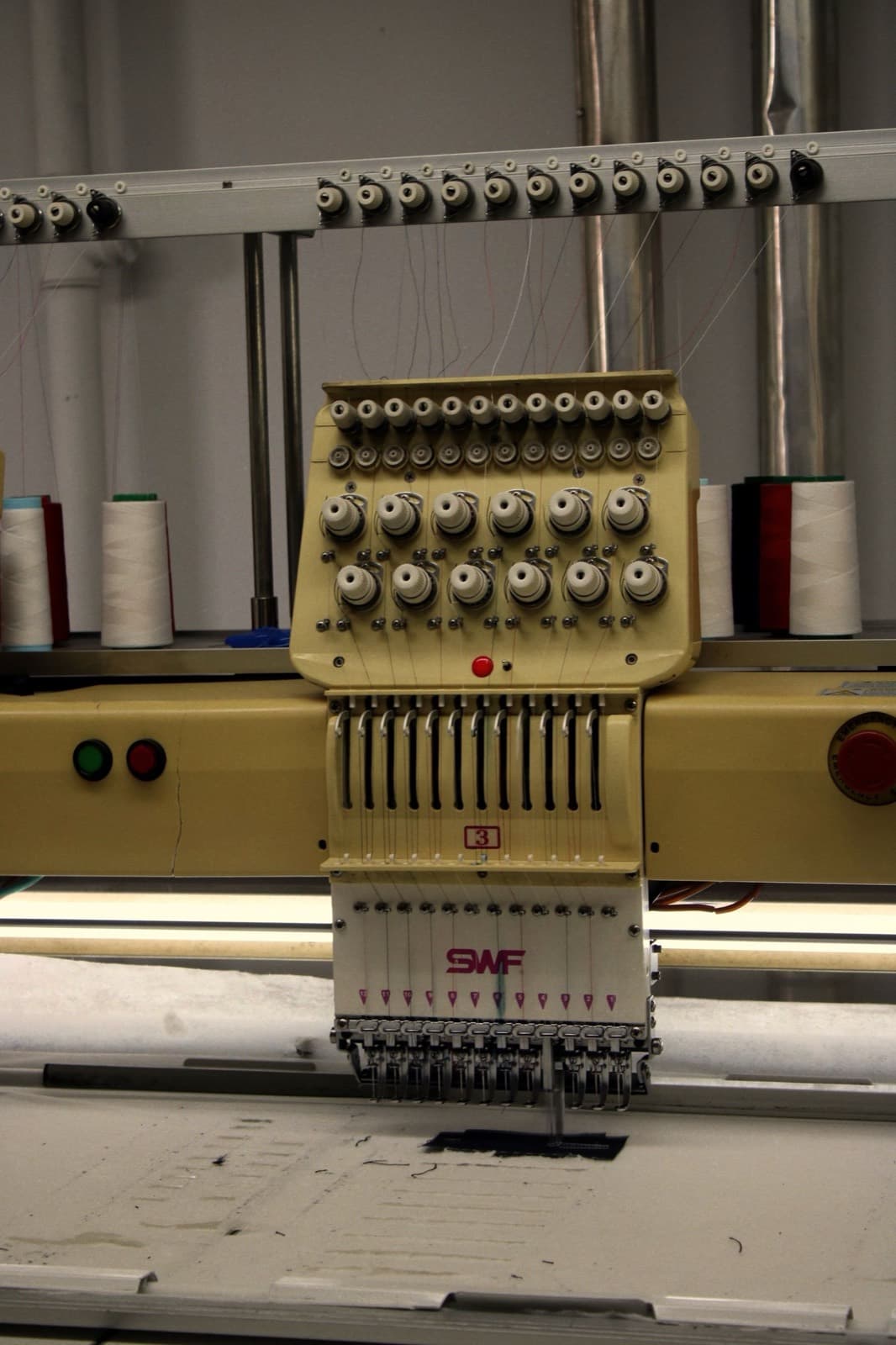
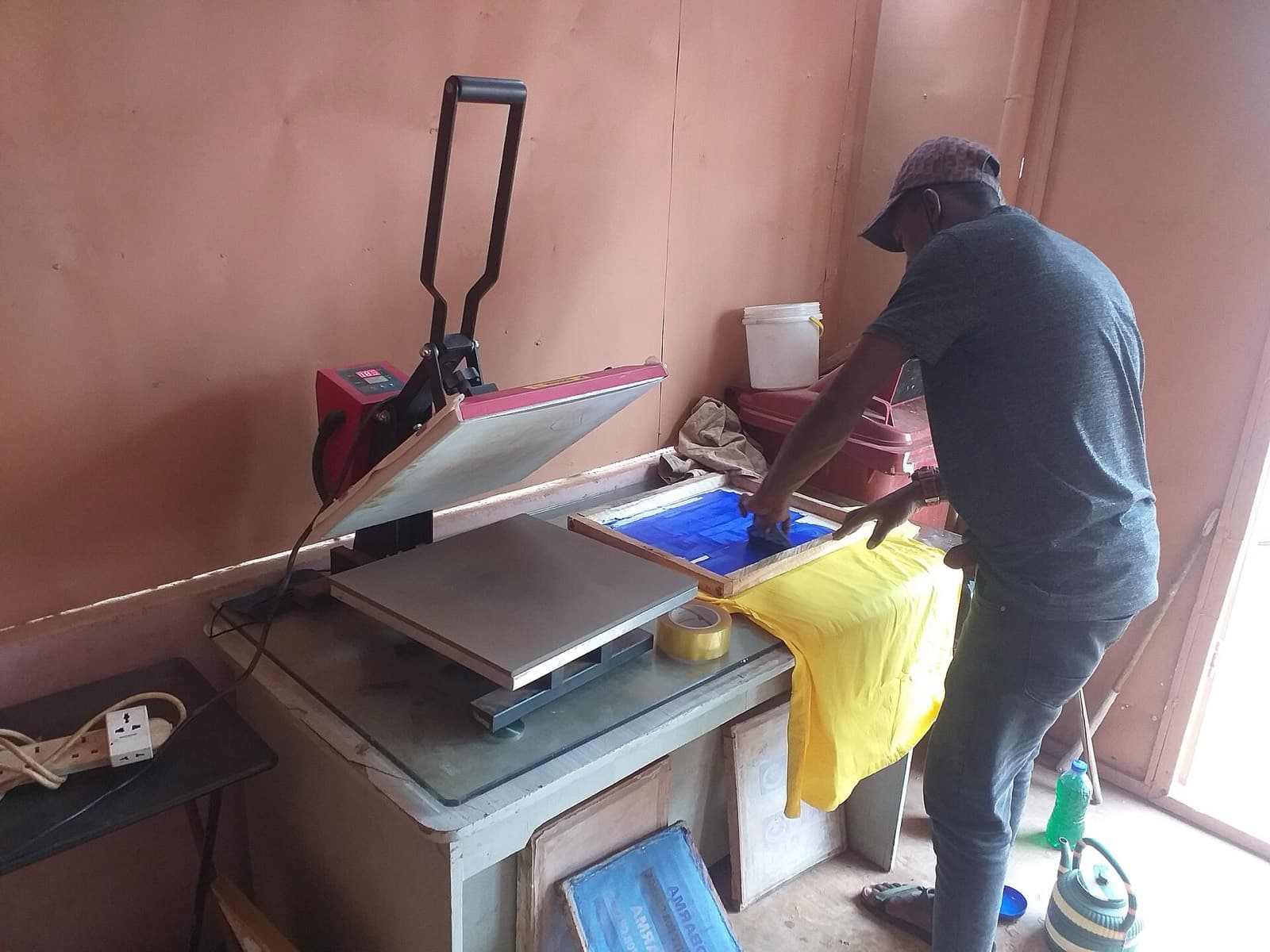
Custom work happens at a machine, a bench, or a packing table. Orderflow keeps the Shopify order next to that work — photos, proofs, status, and Ship by — so the floor and the inbox stay on the same page.

Orderflow pulls in your Shopify orders automatically.

Review details, collect missing information or photos, and organize what is needed.
Create and send proofs, track approvals or revisions, and move the order through production.

Fulfill when the work is ready, and keep customers informed along the way.
Jordan Blake
Sam Ortiz
Riley Chen
#1042
Jordan Blake
jordan@example.com
Ship by
Today
Fulfillment
Unfulfilled
Your proof is ready. Review it on the lookup page so we can start production.
A focused workspace
No more switching between tabs or searching through Shopify. See customer details, photos, proofs, status, Ship by dates, Customer Message, Internal Note, and activity — all in a clean, focused workspace.
On the floor, not just the desk
Orderflow is a real working queue on a phone. Open the order while the garment is still on the platen, approve a proof between colors, or see what still needs a customer photo before you pack.
Orderflow
#1042
Custom print — 11×14
Ship by Today
#1041
Personalized mug
Ship by Sep 26
#1038
Photo blanket
Ship by Sep 29
Automations
Custom work does not always move on schedule. An order can stay in Working on Art while you are at the press, packing, or answering someone else. Set the rule once: if it stays in that status for a number of hours or days, Orderflow moves it and can send the customer email already on the next status.
You keep working. Orderflow keeps watch.
One example of what automations can do
Build a workflow that keeps moving.
Artwork delay update
When
From
After
Unit
Then set status to
Example statuses you set up. If Proof Overdue is set to email the customer, that template goes out when the rule moves the order.
Customer email
Quick update on your order
Hi Alex,
We’re running a little behind on preparing the artwork for your proof, and we’re sorry for the delay. We’ll send another email when it’s ready to review.
Sample wording — you write the real template.
Customer notified automatically
#1036
Custom stamp
Ready to shipReady when the work is
Orderflow is for shops whose orders still need work after checkout. It does not invent a second store — it organizes the production workflow on the Shopify orders you already have.
Pricing
Every plan includes a 14-day free trial. New orders included in the billing period are part of the subscription. Have a busy month? Orderflow keeps running, and additional new orders are billed individually.
Starter
$9.99/mo
Have a busy month? Orderflow keeps running. Additional new orders are billed at $0.15 each.
Growth
$19.99/mo
Have a busy month? Orderflow keeps running. Additional new orders are billed at $0.08 each.
Pro
$39.99/mo
Have a busy month? Orderflow keeps running. Additional new orders are billed at $0.04 each.
Ready to get organized?
Spend less time chasing information and more time getting custom orders finished.
Use cases
These pages are written for specific kinds of work — not the same story with the industry name swapped.
Step-by-step guides and practical advice for custom Shopify order workflows. These are not Help articles. Help is for using Orderflow once you already have it.