
Proofs before you hoop or print
Proof Review tracks versions, approval, and revision requests so you are not stitching from a maybe.
Orderflow for custom apparel
A Shopify order for embroidered polos or printed tees can be paid and still need artwork, placement, customer approval, a production run, and a ship date. Orderflow gives those garment orders a workflow.
Orders
Active Orders
Northline Clinic
Embroidered company polos — 12
Ship by
Oct 3
Harbor Rowing
Screen-print team tees — 40
Ship by
Sep 30
Ada Kim
Monogrammed jacket
Ship by
Oct 6
Westfield Band
Printed hoodies — 28
Ship by
Today
Paid is not the same as ready to stitch.
The problem after checkout
Someone ordered twelve company polos. Shopify has the sizes and the payment. Your shop still has to find the logo, confirm chest placement, get a stitch-out or digital proof approved, then actually embroider the run.
Shopify recorded the apparel sale. Orderflow is for the artwork-to-production work that sale creates.
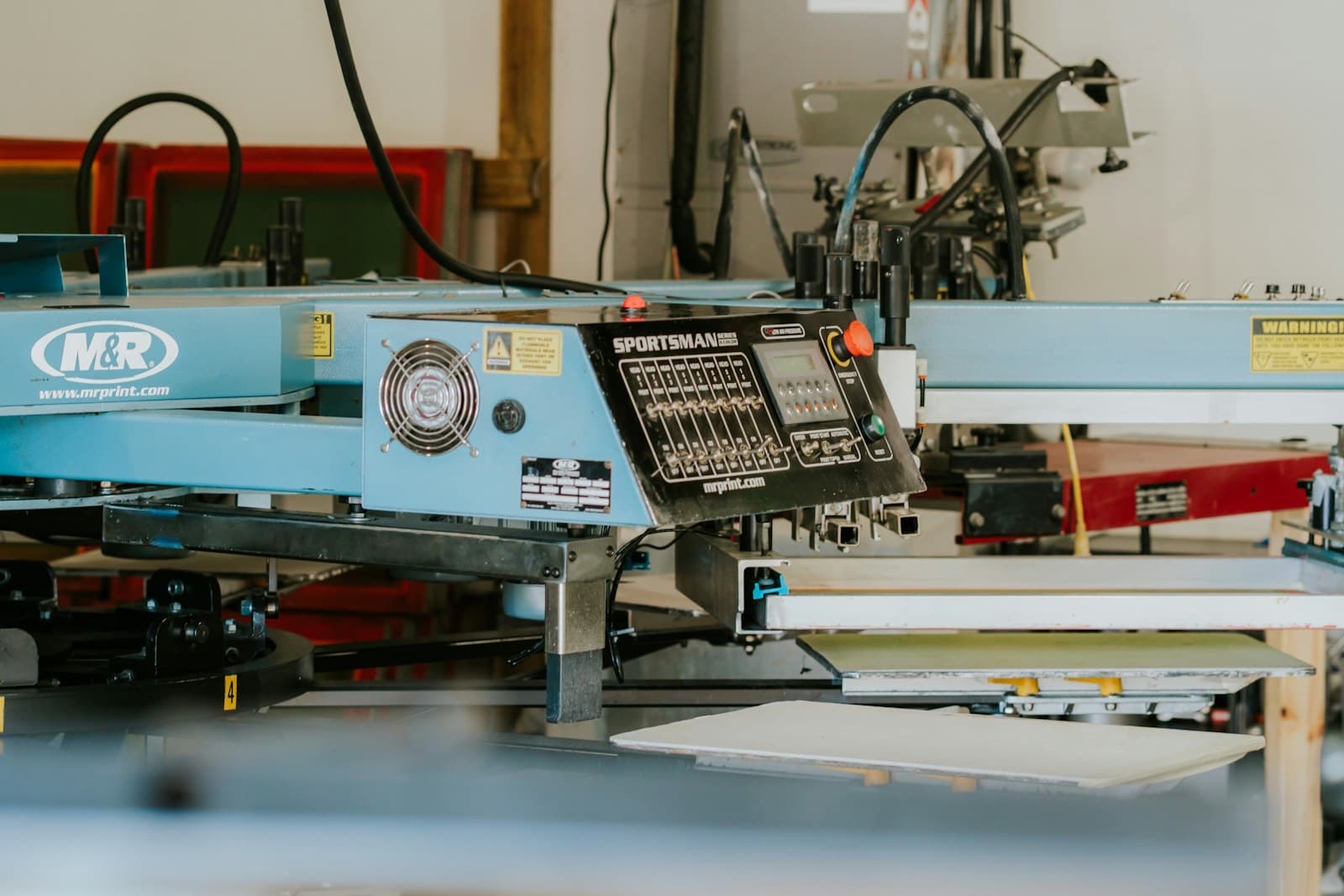
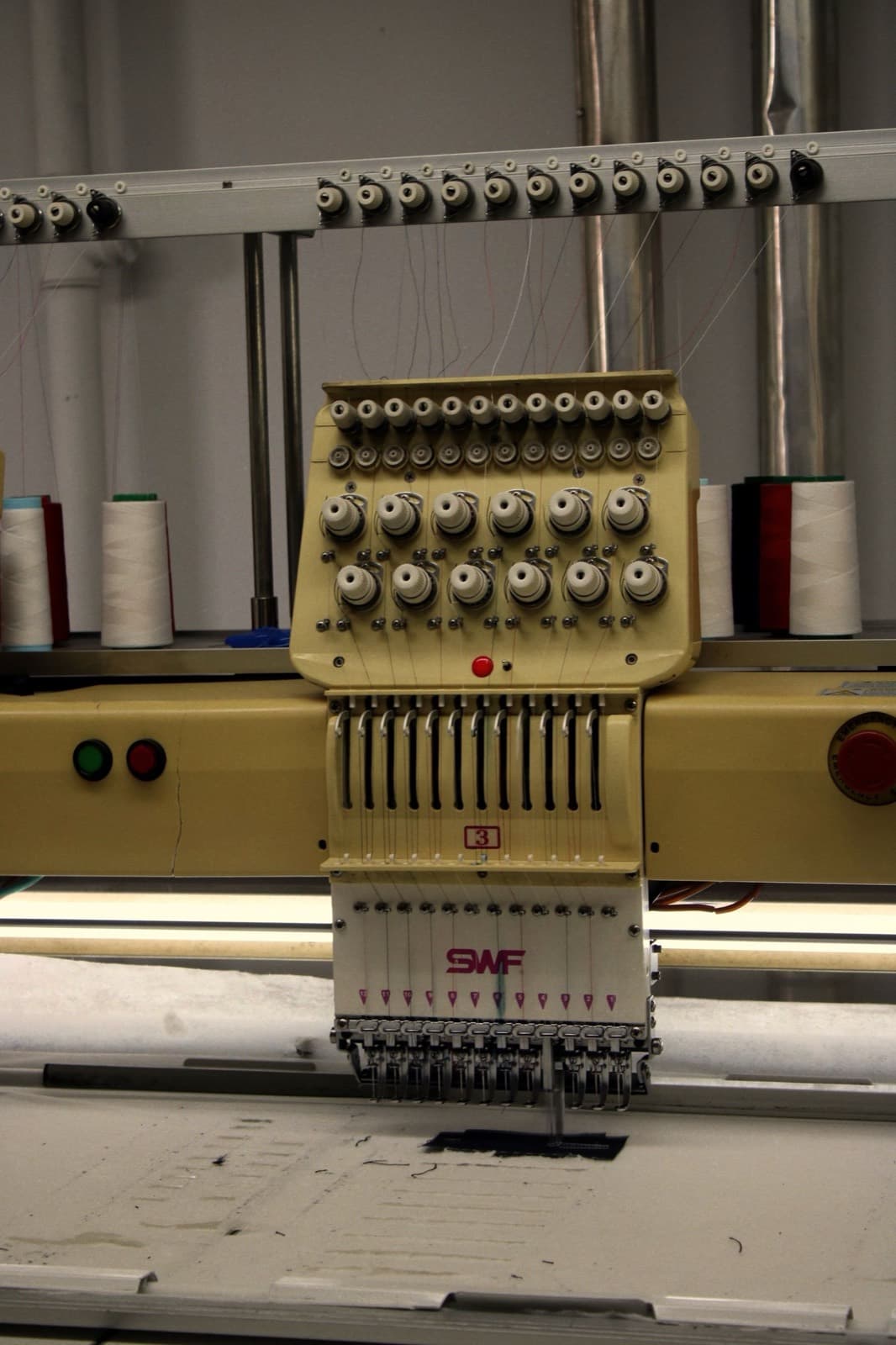
Embroidery shops and print-on-garment shops use different machines. They share the same post-checkout problem: paid is not produced.
Line items, sizes, and the Shopify order land on the working queue.
The logo or artwork file is attached to the order, not left in a shared drive folder named after the company.
Send a placement mock or stitch preview with Proof Review so they approve before you hoop or print.
A thread-color change is a new proof version on the same order, not a new email subject.
Move the run into the production status your floor uses — digitizing, hooping, printing, finishing.
When the order is packed, fulfillment still happens in Shopify. The production story is already on the row.
#4412
Embroidered company polos — 12
Artwork reviewApparel work needs two kinds of notes: what the customer can see, and what the stitcher or printer needs. Orderflow keeps those separate on the same order.
Proof Review tracks versions, approval, and revision requests so you are not stitching from a maybe.
Digitizing, waiting on thread, on press, and ready to ship are your names. Orderflow does not hard-code an embroidery pipeline.
Placement, backing, and thread notes stay internal. Status updates the customer sees stay in Customer Message and templates.
Tournament, reunion, and launch dates belong on the queue, not only in the original email.
Artwork and customer uploads sit on the order so the next shift is not hunting a desktop folder.
Northline Clinic
Harbor Rowing
Ada Kim
#4412
Northline Clinic
ops@northline.example
Ship by
Oct 3
Fulfillment
Unfulfilled
Left-chest placement mock is attached. Approve the stitch preview so we can hoop the run.
The order workspace
Demo apparel jobs. Not real shops, ratings, or order volume.
From the bench
Orderflow
#1042
Custom print — 11×14
Ship by Today
#1041
Personalized mug
Ship by Sep 26
#1038
Photo blanket
Ship by Sep 29
Ready to clear the rail?
Orderflow will not digitize files or drive your embroidery machine. It organizes the Shopify orders that still need that work.
No. Digitizing, hoop setup, and printing stay in your shop. Orderflow tracks the Shopify order through artwork, proof, production, and ship-ready stages you define.
Yes. Statuses are yours. A shop that both embroiders and prints can use one sequence or separate names for each process.
Internal Note is for the floor. Customer Message is what they may see in updates. They stay on the same order so the next person is not guessing.
Practical guides for the workflow on this page. These are not Help articles.