
Custom statuses, colors, and sequence
You create the names. Orderflow shows them on the queue and can write a matching Shopify tag when a status changes.
Orderflow for made-to-order Shopify stores
A paid made-to-order order can still need information, artwork, a proof, production, and a ready-to-ship stage. You name those statuses. Orderflow is where that sequence lives.
Orders
Active Orders
Dana Ellis
Made-to-order cabinet
Ship by
Oct 18
Chris Moon
Commission ceramic set
Ship by
Oct 8
Blake Ivers
Bespoke jacket
Ship by
Oct 4
Remy Soto
Built-to-order desk
Ship by
Today
Paid is a stage. It is not the whole job.
The problem after checkout
Unfulfilled only means it has not shipped. For made-to-order products, that can include waiting on the customer, waiting on a proof, sitting in production, or sitting in a box. Shopify is not trying to tell those apart.
If checkout is only the beginning, you need a working queue for the stages you actually run — not a second store, and not a spreadsheet that drifts.
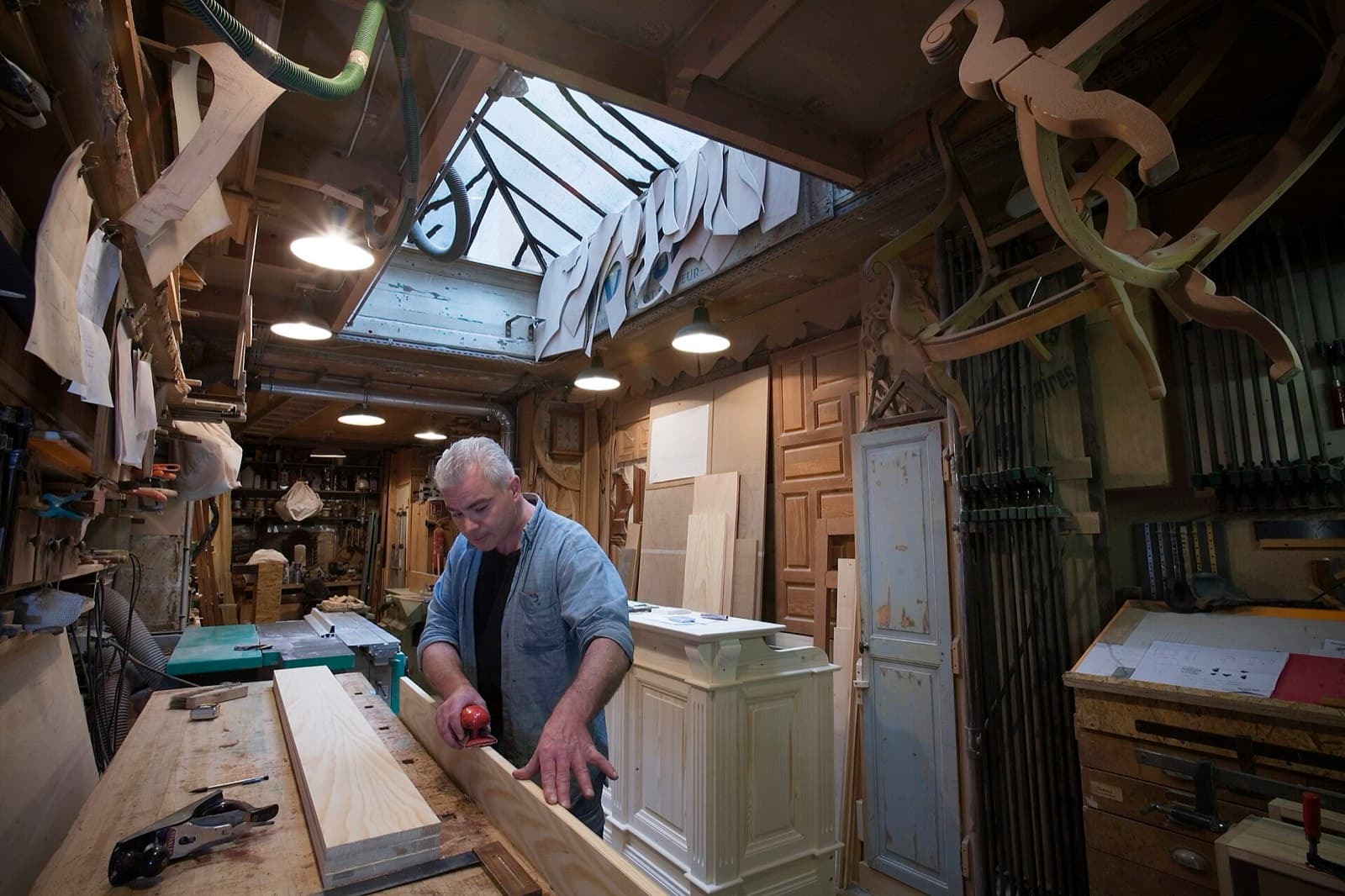
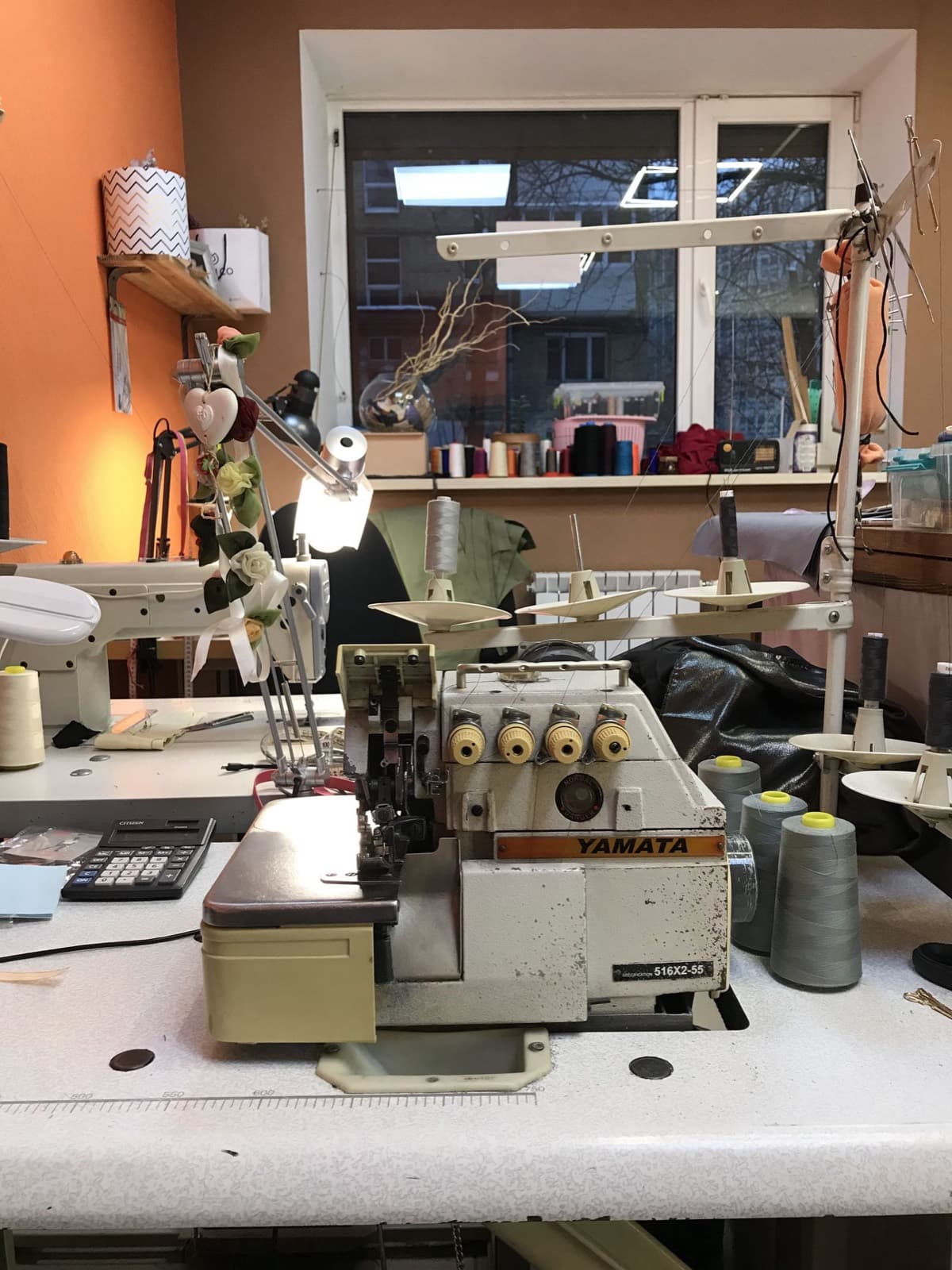
These names are examples. Orderflow does not hard-code them. A furniture maker, a sewist, and a ceramics shop will type different words and still need the same idea.
The Shopify order appears on the working queue.
If something is missing, collect it on the order.
Prep happens with the files attached to that order.
They review it through Proof Review.
Production is allowed to start.
The floor status you chose, not a generic in-progress tag.
Fulfillment still happens in Shopify when the work is actually done.
#1184
Made-to-order cabinet
Needs infoOrderflow is opinionated about keeping work on the Shopify order. It is not opinionated about what you call each stage.
You create the names. Orderflow shows them on the queue and can write a matching Shopify tag when a status changes.
Made-to-order work has a date it must leave. That date belongs on the row you sort.
Collect Info and Request Information are for the details checkout did not finish.
Not every made-to-order shop proofs. When you do, versions and revisions stay on the order.
Customers can check progress. You can send status mail from templates. The next shift can read what changed.
Dana Ellis
Chris Moon
Blake Ivers
#1184
Dana Ellis
dana@example.com
Ship by
Oct 18
Fulfillment
Unfulfilled
We have the cabinet order. Confirm finish and handle choice on the lookup page so we can schedule the build.
The order workspace
Example stages only. Configure Orderflow to match your shop — these names are not built-in.
From the bench
Orderflow
#1042
Custom print — 11×14
Ship by Today
#1041
Personalized mug
Ship by Sep 26
#1038
Photo blanket
Ship by Sep 29
Ready to name your stages?
Orderflow does not replace Shopify and it does not invent your process. It holds the process you already have against the orders Shopify already created.
No. Shopify remains the system of record for the purchase and for fulfillment. Orderflow is the production workflow between those two facts.
No. Those are examples on this page. You create statuses, colors, and order. Optional rules can also set a status or a Ship by date when an order matches.
No. Any made-to-order shop whose paid orders still need human work — information, approval, production stages — is the fit. Personalized and photo products are common cases, not the only ones.
Practical guides for the workflow on this page. These are not Help articles.