
Photos and details on the order
Collect Info lets customers add photos from your lookup page. Request Information emails them a link when something is required before you can make the piece.
Orderflow for personalized products
Customer photos. Names. Dates. Special instructions. Proofs. Revisions. Production. Shipping. Orderflow keeps that work attached to the Shopify order so your team always knows what happens next.
Orders
Active Orders
Morgan Hale
Custom photo ornament
Ship by
Dec 12
Priya Shah
Name-and-date cutting board
Ship by
Dec 10
Evan Brooks
Hand-stamped keychain
Ship by
Dec 14
Lena Ortiz
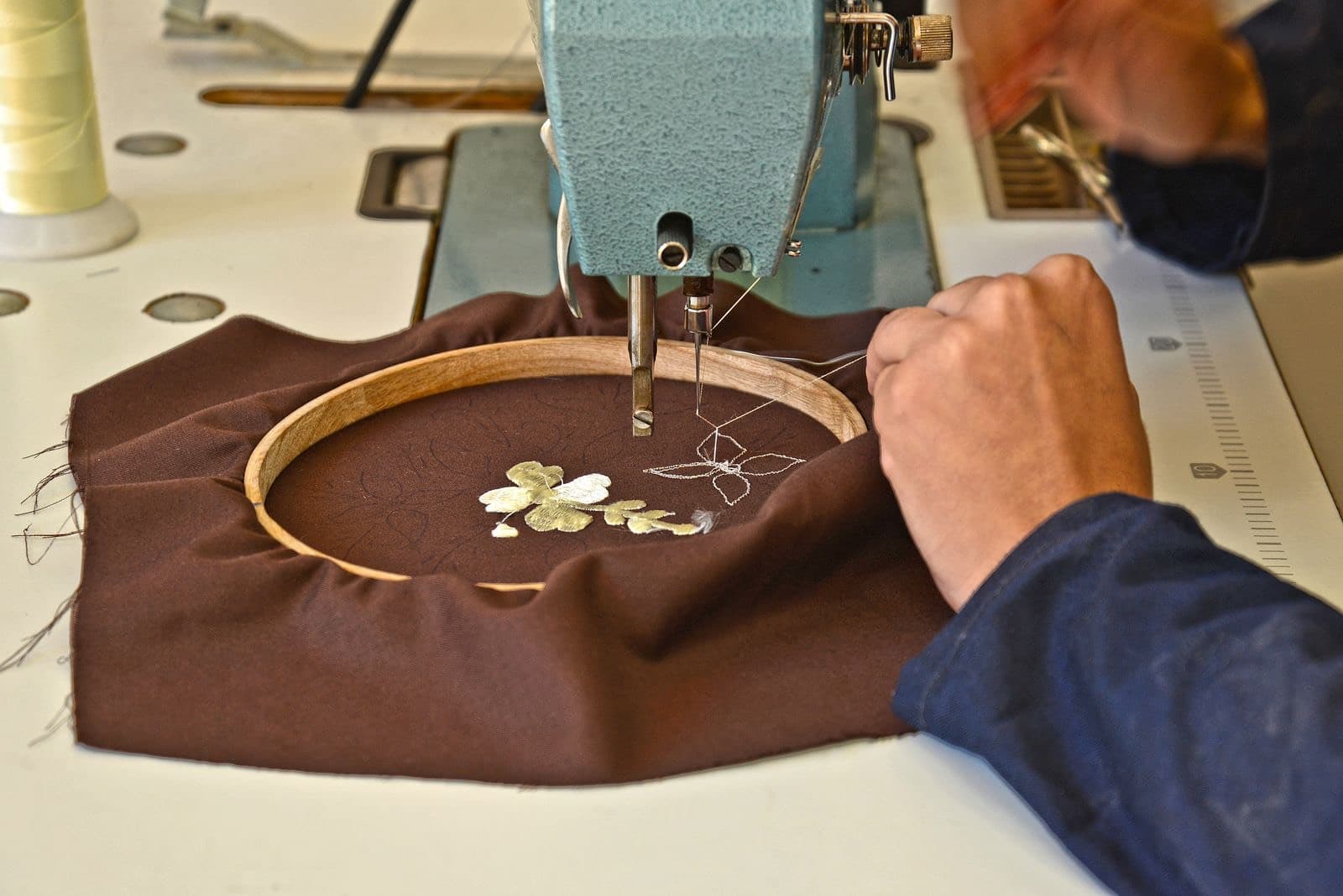
Embroidered stockings
Ship by
Today
The ornament is paid. The photo still has to arrive.
The problem after checkout
A customer orders a personalized ornament. They have paid. Shopify shows a new order. Your team still cannot start making it.
Shopify recorded the purchase. The rest of the job — collecting the photo, preparing artwork, waiting on approval, making the piece, and shipping it — needs a workflow.
This is a typical path for a custom photo ornament. Your status names can be different. The stages are usually the same.
Shopify has the paid order. Orderflow puts it on the working queue.
Ask for the photo, the exact name, or the date from order lookup — not a loose email.
Attach the layout to the order and send Proof Review so they can approve or request a change.
The approval stays on that order. A revision starts a new proof version instead of a new thread.
Move the order into the production status your shop actually uses.
When the piece is packed, the Ship by date and fulfillment state are already on the row.
Shopify still handles fulfillment. Orderflow is how you got the order ready to fulfill.

#2108
Custom photo ornament
Waiting on photoPersonalized work fails when the photo lives in one inbox and the due date lives in someone’s head. Orderflow keeps the next step on the same order Shopify already created.
Collect Info lets customers add photos from your lookup page. Request Information emails them a link when something is required before you can make the piece.
Send a proof, keep revisions, and see whether they approved or asked for a change — without hunting through email attachments.
Waiting on photo, proof sent, in production, and ready to ship are examples — not fixed Orderflow stages. You create the sequence your gift shop actually runs.
Holiday and event gifts have a real date. The working queue can show what is due today instead of only what arrived last.
Order lookup on your store lets them see progress and add files before a tracking number exists.
Morgan Hale
Priya Shah
Evan Brooks
#2108
Morgan Hale
morgan@example.com
Ship by
Dec 12
Fulfillment
Unfulfilled
We have the ornament order. Add the family photo on the lookup page so we can set the type.
The order workspace
Demo data for a personalized-gift queue. These are not real customers or testimonials.
From the bench
Orderflow
#1042
Custom print — 11×14
Ship by Today
#1041
Personalized mug
Ship by Sep 26
#1038
Photo blanket
Ship by Sep 29
Ready for personalized season?
Orderflow does not replace Shopify checkout. It organizes the work a personalized order still needs after it is paid.
Checkout still belongs to Shopify. Orderflow is for the work after the order exists: missing photos, proofs, production stages, and updates. If a field was skipped at checkout, Collect Info or Request Information can gather it on the order.
Yes. Collect Info lets them add photos from your storefront lookup page. Use Request Information when you need to email them a link and require a reply before production.
No. Waiting on photo, proof sent, and in production are examples. You create statuses, colors, and sequence for the way your gift shop actually works.
Practical guides for the workflow on this page. These are not Help articles.